
Personal Safety Button
What is Safety Button?
Safety Button allows you to quickly and discreetly request emergency help from trained professionals in uneasy moments wherever you go
When you feel unsafe but don’t want to call 911, use the safety button to share your location, emergency contacts, notes and photos to be accessed in an emergency, providing responders with helpful context such as upcoming plans, who you are meeting, medical conditions, or unusual activity at your location.
If no emergency occurs, simply enter your PIN to signify that you’re safe.
How Does it Work?
- 1. Tap Safety Button in the DFW Security app or home screen widget.
- 2. Hold down the button.
- 3. Release to begin a 10-second countdown. Enter your PIN to cancel.
- 4. If not cancelled, a trained operator receives your emergency request with your name, phone number, location, PIN code, emergency contacts and notes.
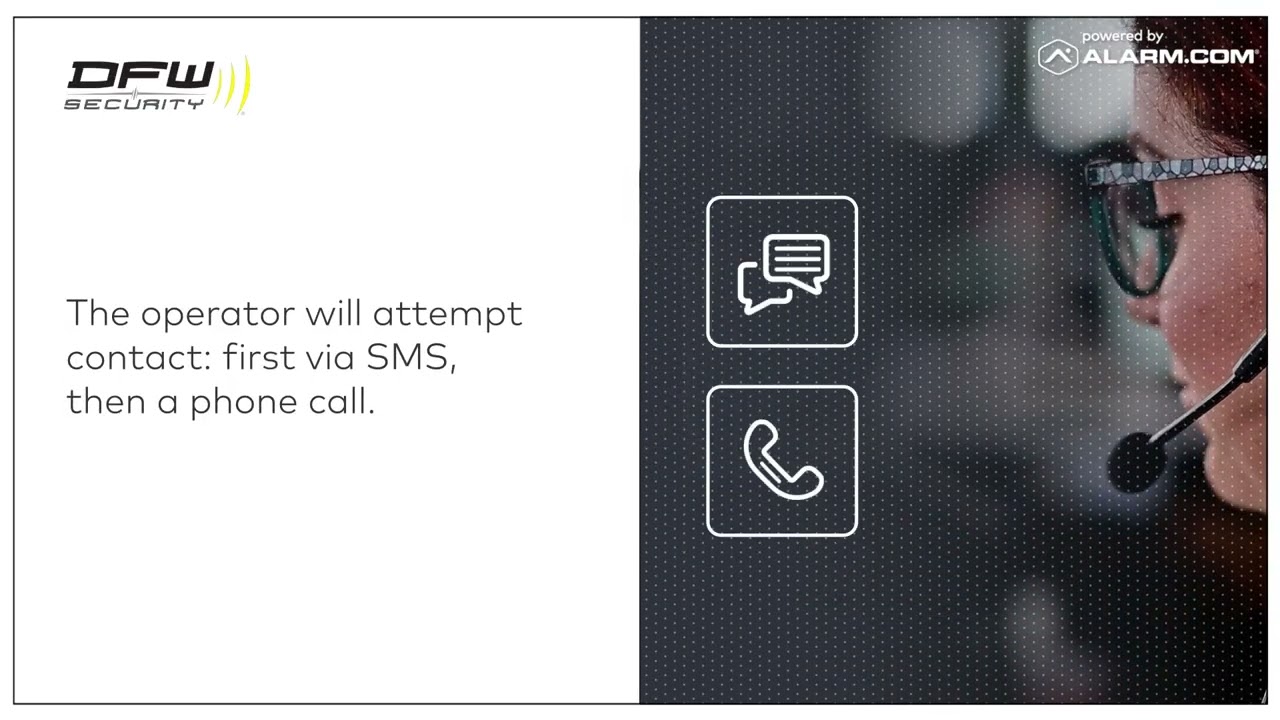
- 5. The operator will text and call to confirm.
- 6. If there's no response, help is dispatched to your last known location.
Who Does Safety Button Help?
Safety Button can help anyone have peace of mind in an uncomfortable situation, but it can be extra helpful for those in certain roles.
- - Home health workers
- - Realtors meeting in empty homes
- - Students walking across campus
- - Employees working alone or at night
- - Seniors walking on unstable ground
- - Teens walking home from school
When Can Safety Button Help?
Anytime you feel uneasy but don’t want to call 911, the DFW Security Safety Button powered by Alarm.com provides a discreet option to get help if needed.
- - Activate if you are
- - Walking to the car at night
- - Visiting homes of unknown clients or prospects
- - Feeling like you’re being followed
- - Meeting a stranger to make a purchase
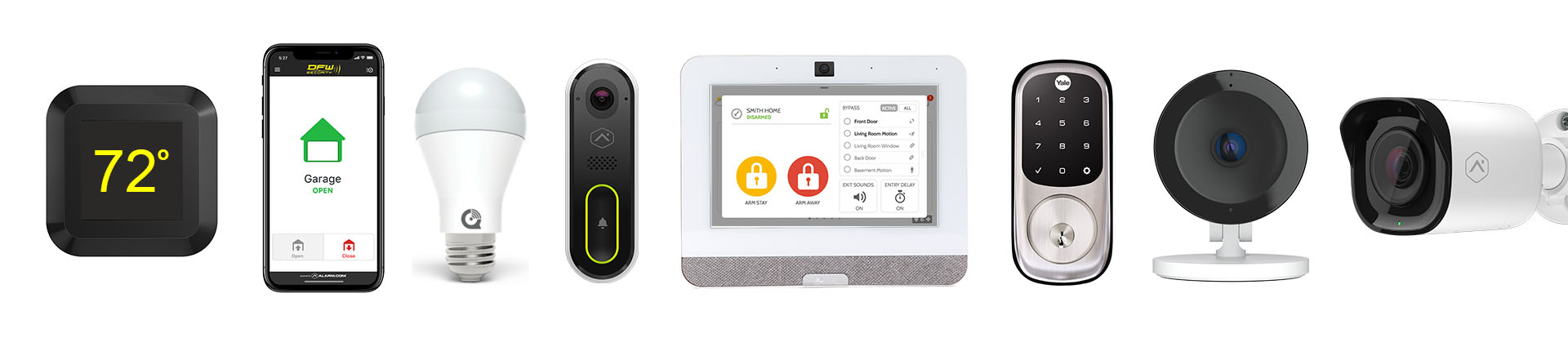
Easily add Home Automation components to your Smart Security System for unprecedented control of your entire home with a single award-winning App.
 Talk to an Expert